Video Turorial

Watch this step-by-step Tutorial for easy setup instructions!

Mobirise Website Builder

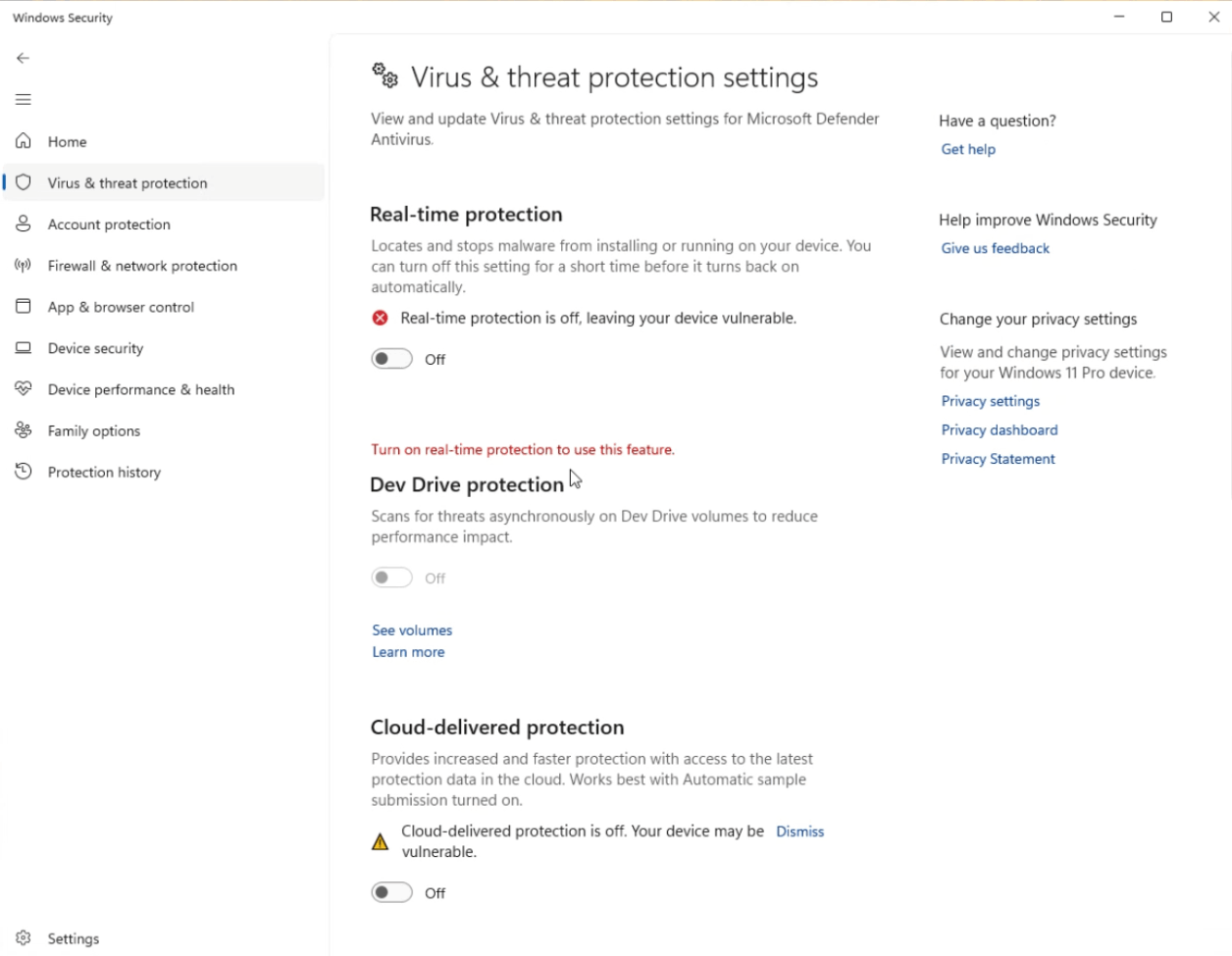
Step 1 - Disable Windows Defender

Disable Windows Defender. If you have a different kind of Antivirus, search it up on Google, how to temporarily disable it.

1. Click the Windows key.
2. Write "Settings".
3. Go to Privacy & security > Windows Security > Virus & Threat Protection.
4. Under Virus & threat protection settings, click "Manage settings".
5. Make sure that the all checkboxes are turned off.
Mobirise Website Builder

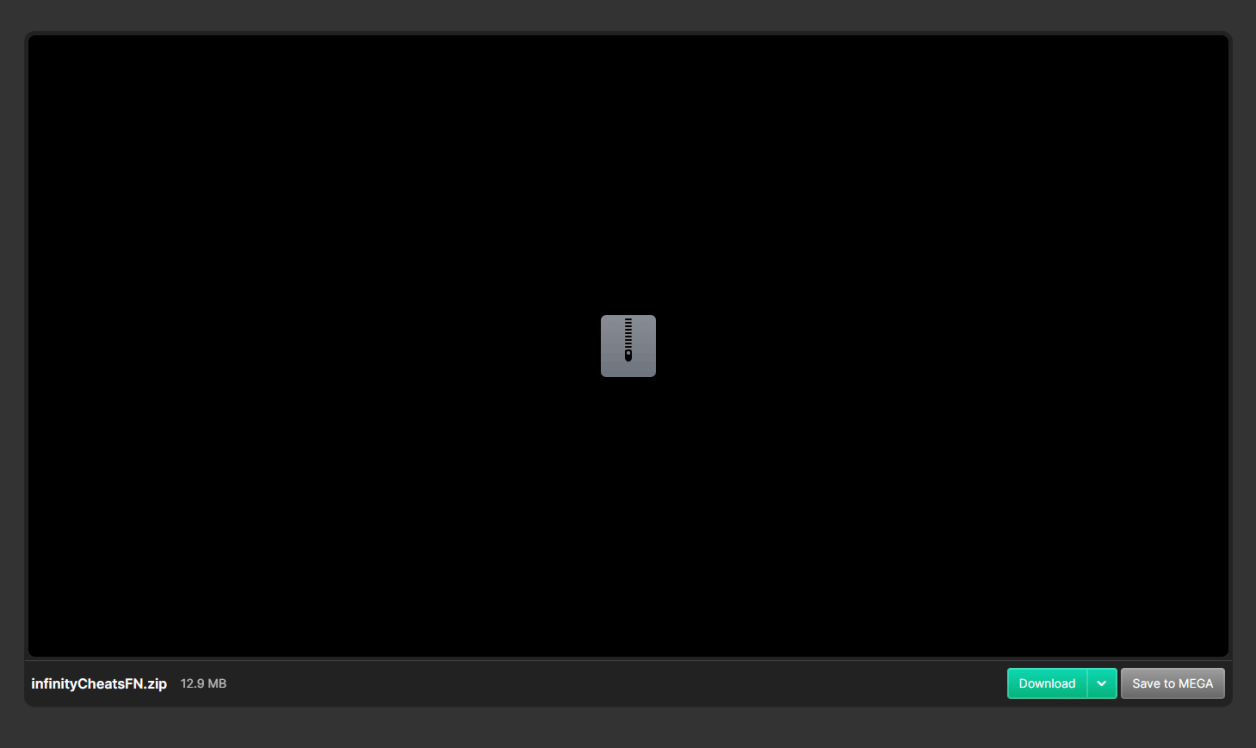
Step 2 - Download the Cheat

Download the cheat from the button below:

Mobirise Website Builder

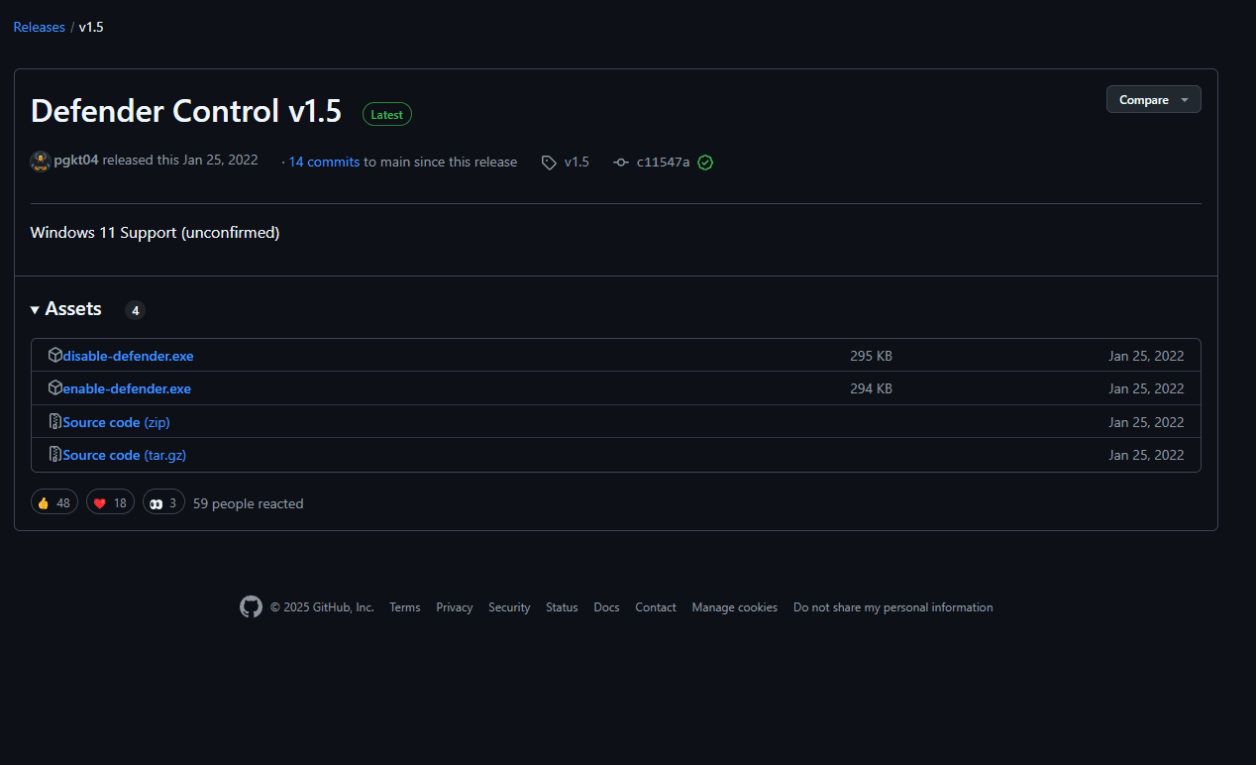
Step 3 - Run disable-defender.exe

To bypass EAC, this cheat needs driver level access. This will get blocked by Windows Defender usually. Therefore we provide you with this open source tool. You can read more about it here: [Github]

Mobirise Website Builder

Step 4 - Lauch the Cheat

Lauch the cheat, by right clicking and -> Run as Administrator.

Mobirise Website Builder

Step 3 - Start the Game

Start the Game normally.

© 2025 Infinity Cheats. All rights reserved.